New Zealand businesses aren’t dabbling in AI anymore. They’re embracing it. A recent report suggests adoption has doubled since 2023, with an estimated 82–87% of organisations now using AI tools in some form. That surge mirrors broader enterprise trends, changing what people expect from their laptops.
Users want more than a faster CPU; they want a machine that handles everyday AI tasks without forcing them to hunt for a power outlet or wait for the fan to quiet down. That expectation is tangible as Microsoft continues to expand Copilot in Windows 11, bringing more of those tasks into everyday apps.
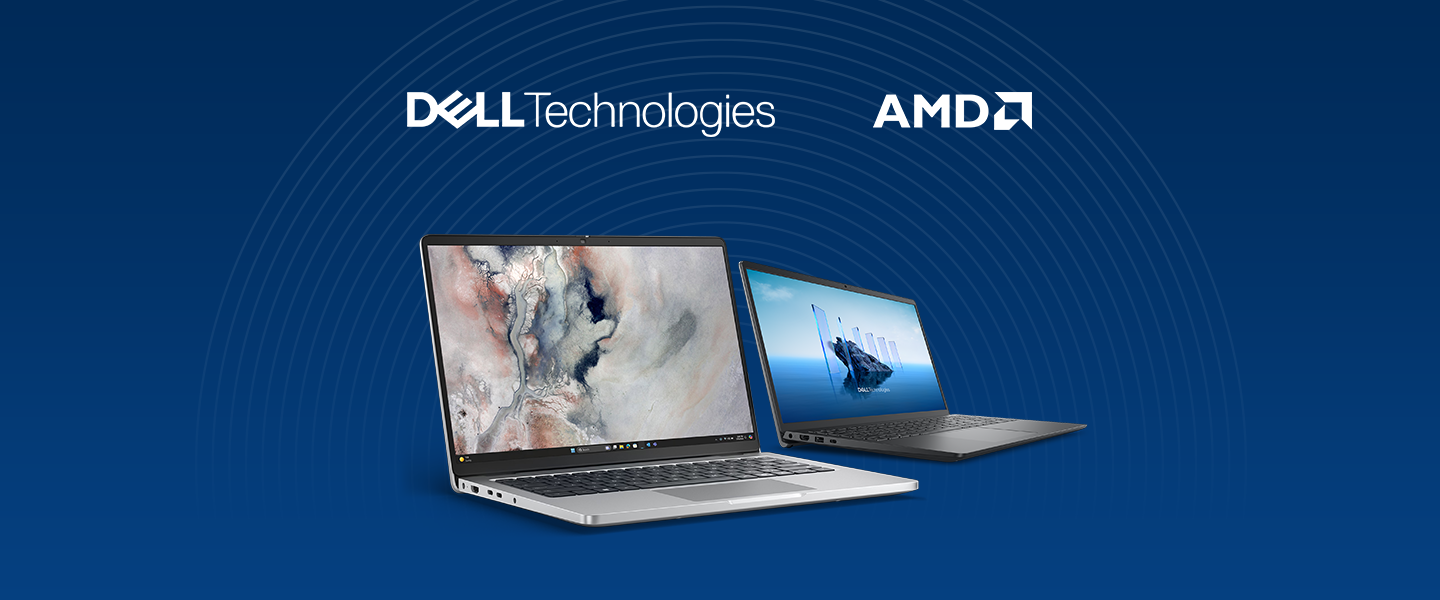
The Dell Pro 14 is designed for this shift, aiming to enhance productivity by removing everyday friction at work.
Whether your team needs dependable laptops or AI-capable systems, Dell Pro 14 offers models that let device managers match performance and features to each role and workload, ranging from standard business configurations for everyday workflows to AI-accelerated options that can power Copilot with ease.
Dell Pro 14 - Essential productivity in a new, modern design
Equip your team to work from anywhere without being tethered to a wall. The Dell Pro 14 gives you two AMD processor options: the Ryzen 200 for standard office workloads, and the Ryzen AI Pro 300 for extra on-device AI performance.
Pick the Dell Pro 14 that fits how your team works
Starting with the standard Pro 14. If your team’s work mostly consists of email, documents, dashboards and web apps, the AMD Ryzen 200 series delivers fast, familiar performance without dedicated AI hardware.
Alternatively, if your team relies heavily on AI workloads, the Pro 14 AI Copilot+PC is a great step-up option to consider. Inside is an AMD Ryzen AI Pro 300 processor with a 40-TOPS Neural Processing Unit that runs AI tasks locally, so the machine stays cool, the battery lasts longer, and remains responsive even on patchy Wi-Fi.
Exclusive Copilot+PC features that simplify daily workflows:
- Recall: a built-in “photographic memory” that continuously takes snapshots of the user’s screen. This makes it easier to find any document, email or website previously seen.
- Improved Windows Search: semantic indexing that understands context, so searching for “Q3 budget presentation” finds the file even if you saved it as ArticleCopy_v4_FINAL_FINAL.
- Click to Do: on-screen analyser that recognises text or images and offers one-click actions, like cropping a photobomb, blurring a messy background, or rewriting a sentence.